
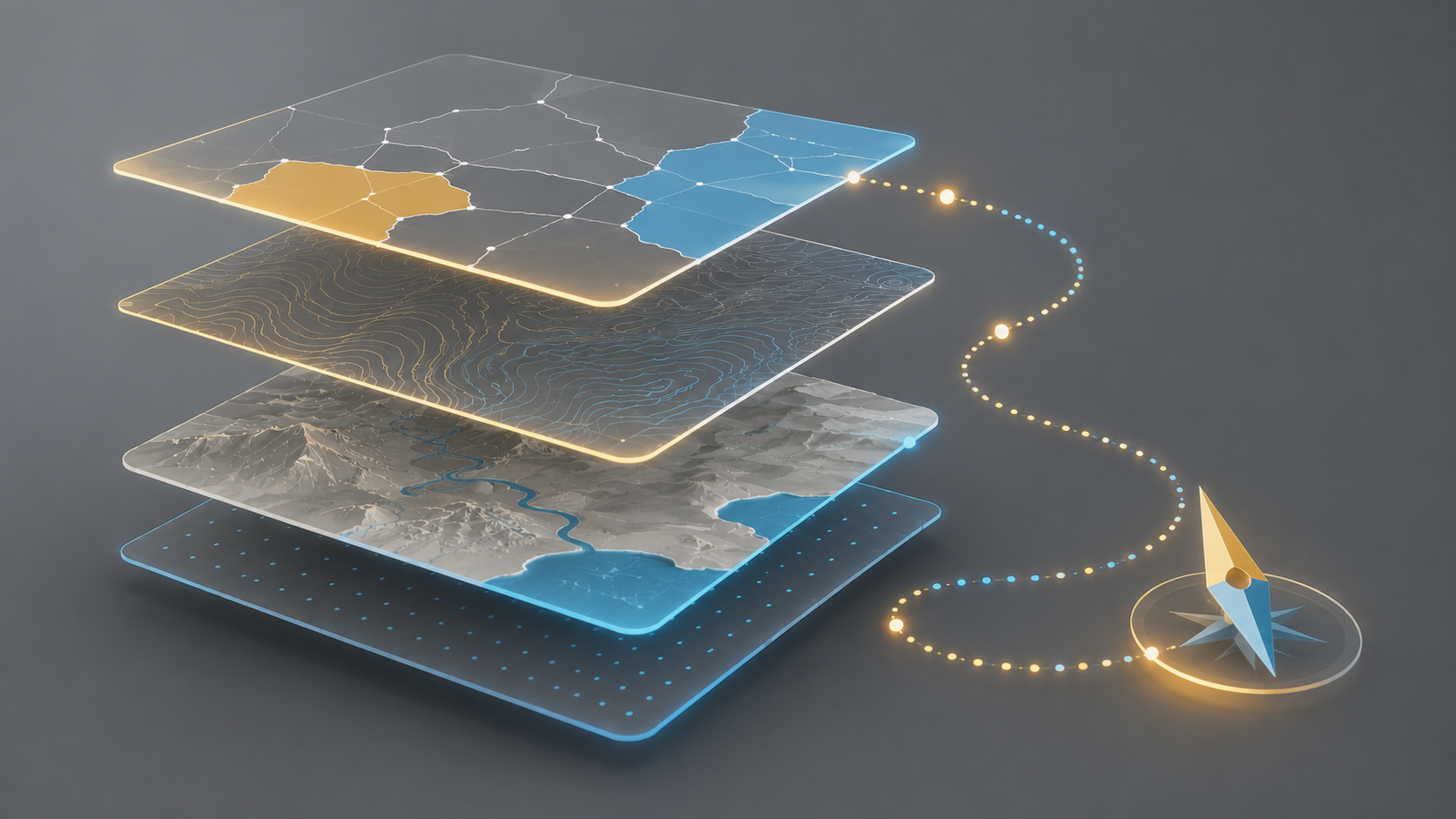
A practical introduction to GIS using QGIS, worked through at your own pace. Six modules cover the QGIS interface, attribute data, map styling, raster and terrain analysis, coordinate systems, georeferencing, digitising and basic spatial analysis, using real-world case studies. No prior GIS experience needed.
Who it's for: Complete GIS beginners and users moving to open-source GIS.
Format: Self-paced, online, with quizzes and a discussion forum
Duration: About 18 to 20 hours
Certificate: Official QGIS certificate of completion
Buy the self-paced course: https://kartoza.com/training-courses/introduction-to-gis-with-qgis-self-paced/ Prefer a live trainer?
See the instructor-led course: https://kartoza.com/training-courses/introduction-to-qgis/
- Teacher: Seabilwe Tilodi

A hands-on introduction to desktop GIS with QGIS, the leading free and open-source GIS. Learn to navigate QGIS, manage coordinate reference systems, style and label maps, create and edit vector and raster data, run basic spatial analysis and produce print-ready map layouts. No prior GIS experience needed.
Who it's for: GIS beginners, professionals moving from proprietary software, and anyone who works with spatial data. Format: Instructor-led, online or in person (on-site for groups of 7 or more)
Duration: 3 days
Certificate: Official QGIS certificate and a Kartoza GIS Academy certificate of completion
Book the instructor-led course: https://kartoza.com/training-courses/introduction-to-qgis/ Prefer to learn in your own time?
See the self-paced course: https://kartoza.com/training-courses/introduction-to-gis-with-qgis-self-paced/